How to Look Up What Happened on a Date
Give us a date — today, your birthday, a wedding anniversary, next Tuesday — and we turn it into a short, readable account of that day in the past. Here is how to get the most from it.
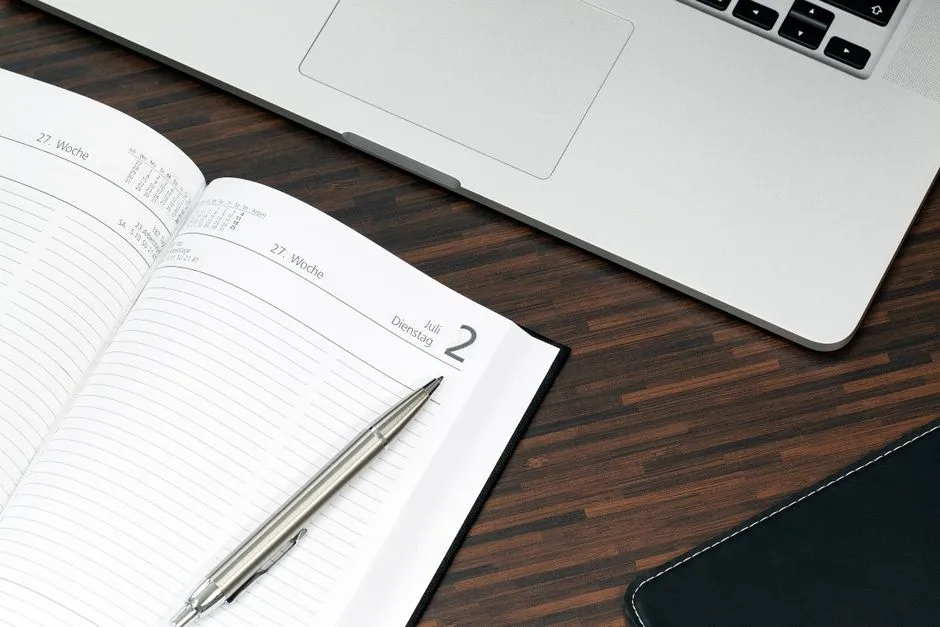
02 — Chapter one
A date is the easiest door into the past
Most history is filed by topic. We file it by day, because a day is something you already have a reason to care about.
Search engines answer questions about famous events well enough. They are far less good at the smaller question most people actually ask: what happened on this particular day? That is the question we built the site around. Every day of the year has its own page, and each page reads as a short account of the day rather than a raw list of dates and names.
The entries are curated by hand and written to be read, not skimmed past. A single line about an event tells you very little. We add the sentence or two of context that makes it land — who was involved, what changed afterwards, why the day was worth recording at all.
A date page is also never quite finished. The same day comes around every year, and we keep adding entries as we research more of it. Revisiting a date you have read before is often more interesting than picking a new one.
Ways people might use it: a classroom prompt to open a lesson, a first line for a newsletter, a round of questions for a trivia night, a look at the day a friend was born, or simply a few minutes of reading with a coffee. None of it needs an account, and none of it needs you to know what you are looking for before you start.
03
How we work
A clear path from first conversation to finished work.
Discover
We start from what you need and the constraints on the job.
Deliver
We do the work with a clear quote and a named contact.
Handover
You get a clean finish and a clear next step.
03 — Inside a date page
Four categories, in the same order every day
Once you know the shape of a date page you can find what you want in seconds — the layout does not change from January to December.
- Historic events — What actually happened that day: decisions, discoveries, disasters, treaties, firsts. Each entry gives you the event and the short version of what followed, so a single line still means something on its own.
- Notable births — People born on the date, with a line on what they are remembered for. This is the section readers go to first when they look up their own birthday or a friend's.
- Notable deaths — Lives that ended on the date, written with the same restraint as the rest of the page. We note the work or the moment a person is known for rather than padding the entry out.
- Cultural milestones — Books, films, records, broadcasts, buildings and sport — the moments that changed what people watched, read or argued about. Often the most surprising part of a date.
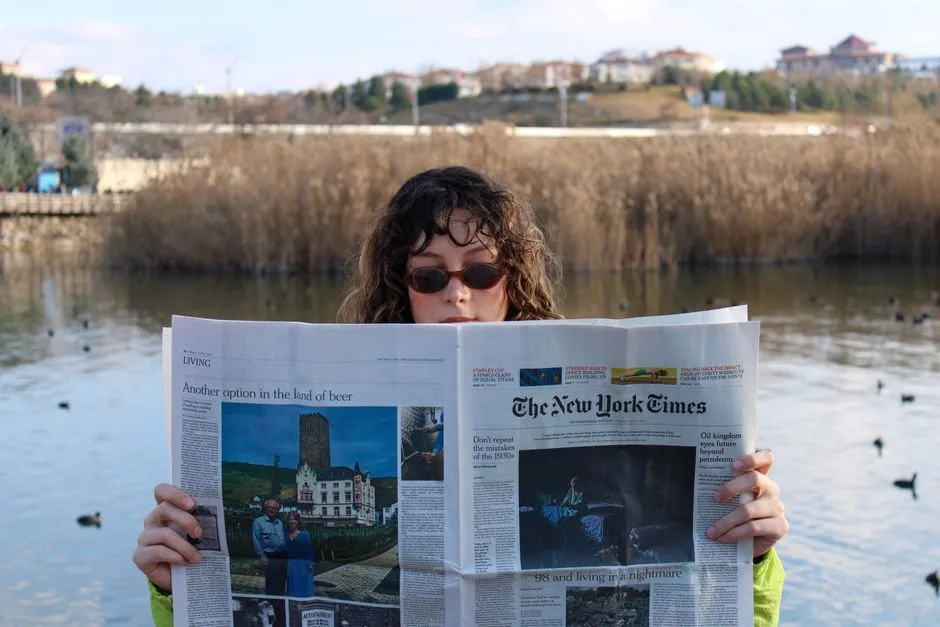
If an entry cannot be understood by someone who knows nothing about the subject, it is not finished. We would rather publish six entries a reader remembers than sixty they scroll past.
Chapter two
Three steps to look up what happened on a date
Nothing here needs setting up. Start at today's date or go straight to the day you have in mind.
One. Pick a date
Jump straight to today from the front page, or open the date browser and choose any month and day of the year. Birthdays, anniversaries, the day you started a job, a date you read about somewhere else — they all work the same way. Because we keep adding entries, the

Two. Read the day's entries
The page opens with historic events, then notable births, notable deaths and cultural milestones. Every entry is short by design: a couple of sentences that give you the moment and the context around it, rather than a bare name and a year. Read the whole day top to bottom in

Three. Share it or subscribe
Every date has its own address, so you can send a day to a friend, a class, a colleague or a group chat and they will land on exactly what you were reading. If you would rather have the day come to you, subscribe to the daily email and we
Begin with today, then work backwards
Today's page is already written. Read it now, or have the day's highlights sent to you each morning.